
Shoot it once, get it multiple ways enabled by AI. With your Galaxy device you can get up to 14 different kinds or photos and videos using Single Take. Follow the below guide to learn how to use Single Take on your Galaxy device.
*One AI based results of different kinds of photos & videos.
1. Head into your  Camera app
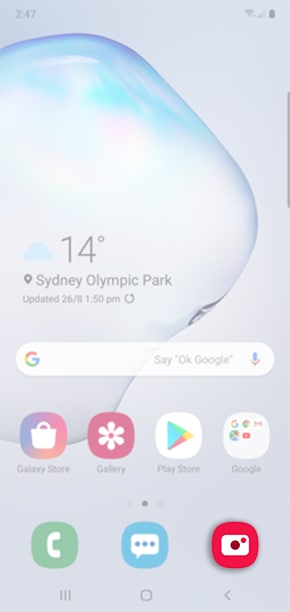
2. Locate and select Single Take

3. Select  to adjust the capture time then choose between 5s and 15s of shooting time.
to adjust the capture time then choose between 5s and 15s of shooting time.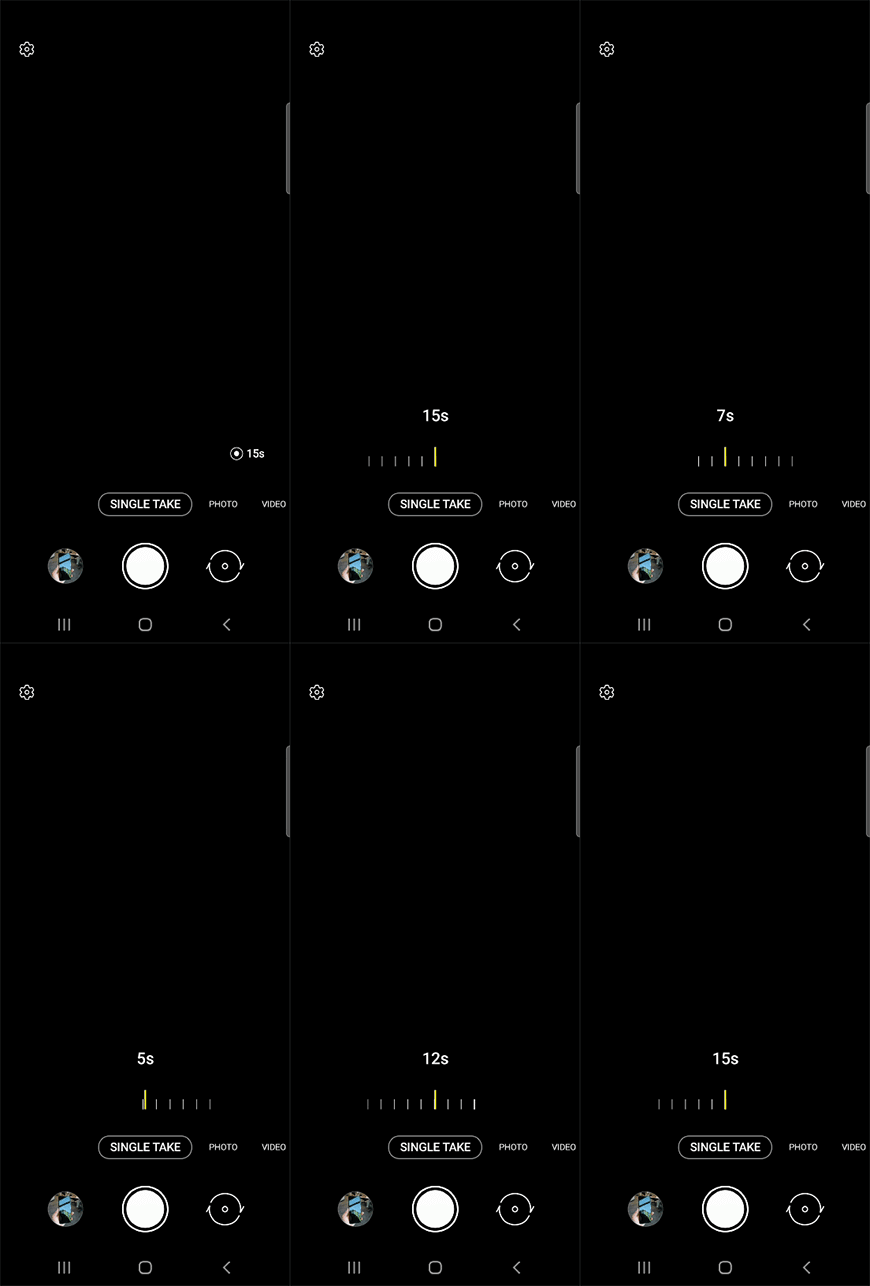
Please Note: This setting is only available on the Galaxy Note20 & Note20 Ultra.
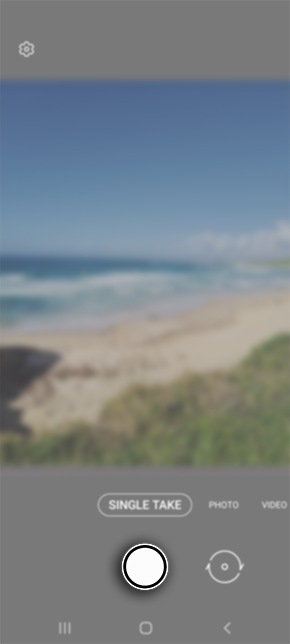
4. Tap on the capture button when you're ready to take a photo, ensure that you pan your camera around a scene to get different angles and short clips.
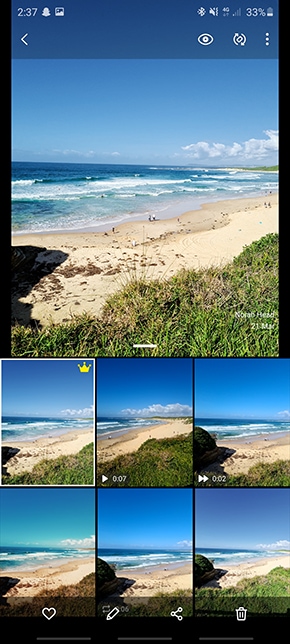
5. Head back into the Gallery and select your Single Take shot to view other images and videos captured.
Comments
0 comments
Please sign in to leave a comment.